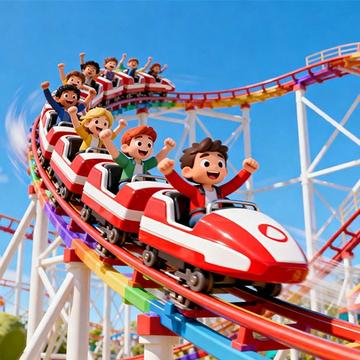
Make A Roller Coaster at a glance
Build a continuous route that carries the coaster toward its destination.
How to play Make A Roller Coaster
- 01
Inspect the start and finish.
- 02
Draw a connected track.
- 03
Run the coaster along it.
Controls & devices
- Follow the title-screen instructions
- Specific controls have not been confirmed for this provider build. Touch, mouse and keyboard support can differ; check the instructions inside the game.
Use an up-to-date browser. Device support varies by game; follow any screen-orientation instructions.
Tips for Make A Roller Coaster
Avoid abrupt slopes that create an awkward landing.
Make A Roller Coaster: questions & answers
What happens when I press Play?
A full-window player connects to an independently hosted version of Make A Roller Coaster. Use Back to return to this guide. The provider page and game assets may take time to load.
Does saving a game save my progress?
Save game bookmarks this listing in your current browser. The provider handles game progress separately. Clearing browser data or using a private session can affect both features.
What if the game does not work?
Check the provider’s instructions, try one reload, or choose a related game. Browser and device compatibility vary. Report a problem with your device, browser and page URL.