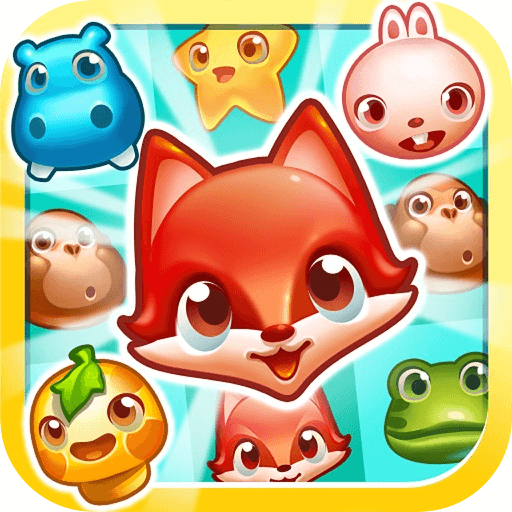
PetCrush at a glance
Complete the goal shown above the board while making the most of the moves available in that stage.
Make valid matches to complete the stage objective, which can involve animals, jelly, ice, boxes or other board tasks.
How to play PetCrush
- 01
Read the stage goal and remaining moves before your first swap.
- 02
Drag an animal toward a neighbouring tile to form a horizontal or vertical line of at least three matching animals.
- 03
Use four-in-a-row and L- or T-shaped matches to create special pieces, then clear the animals or obstacles needed for the stage goal.
Controls & devices
- Computer
- Click and drag an animal onto a neighbouring tile to swap them.
- Phone or tablet
- Swipe an animal toward an adjacent tile to swap it.
Use an up-to-date browser. Device support varies by game; follow any screen-orientation instructions.
Tips for PetCrush
Plan a swap that helps the stage goal and opens another match; clearing an unrelated group still uses a move.
- Match four in a line to create a special piece that clears a row or column.
- An L- or T-shaped match can create an area-clearing special piece.
- Prioritize matches beside or on the obstacle required by the current stage.
In move-limited stages, each successful elimination consumes a move. Watch the remaining moves and finish the displayed goal before they run out.
PetCrush: questions & answers
What is the goal in PetCrush?
Make valid matches to complete the stage objective, which can involve animals, jelly, ice, boxes or other board tasks.
What should I watch out for?
In move-limited stages, each successful elimination consumes a move. Watch the remaining moves and finish the displayed goal before they run out.
What happens when I press Play?
A full-window player connects to an independently hosted version of PetCrush. Use Back to return to this guide. The provider page and game assets may take time to load.
Does saving a game save my progress?
Save game bookmarks this listing in your current browser. The provider handles game progress separately. Clearing browser data or using a private session can affect both features.
What if the game does not work?
Check the provider’s instructions, try one reload, or choose a related game. Browser and device compatibility vary. Report a problem with your device, browser and page URL.