Unblock It 3D at a glance
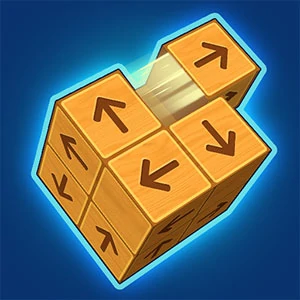
View the arrangement from different angles to find pieces that can leave freely.
How to play Unblock It 3D
- 01
Inspect the block directions.
- 02
Move a block with an unobstructed route.
- 03
Clear the remaining structure.
Controls & devices
- Follow the title-screen instructions
- Specific controls have not been confirmed for this provider build. Touch, mouse and keyboard support can differ; check the instructions inside the game.
Use an up-to-date browser. Device support varies by game; follow any screen-orientation instructions.
Tips for Unblock It 3D
Rotate the view when an apparently blocked piece is hard to judge.
Unblock It 3D: questions & answers
What happens when I press Play?
A full-window player connects to an independently hosted version of Unblock It 3D. Use Back to return to this guide. The provider page and game assets may take time to load.
Does saving a game save my progress?
Save game bookmarks this listing in your current browser. The provider handles game progress separately. Clearing browser data or using a private session can affect both features.
What if the game does not work?
Check the provider’s instructions, try one reload, or choose a related game. Browser and device compatibility vary. Report a problem with your device, browser and page URL.